Setting up the product
Place the base station on a flat, stable surface near your TV.
Fully charge OSKAR before using it for the first time. See Power supply and charging .
To connect the devices, use either the optical audio cable or the 3.5 mm audio cable .
For connection using the optical audio cable see Optical (Toslink) .
For connection using the 3.5 mm audio cable see AUX .
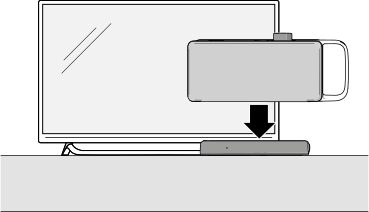
Place OSKAR on the base station .
Note:
If you connect both cables, the base station automatically selects TV sound transmission via the optical audio cable.